
In short
A livestream lets family who cannot attend your ROM ceremony in person watch it as it happens, usually set up alongside your regular photography or videography coverage rather than in place of it, so the main coverage of your day is not affected. A livestream does not need to be elaborate to work well, a single stable camera and clear audio is usually enough.
- A livestream can be arranged alongside photography or videography coverage, not instead of it
- Testing the connection and camera setup beforehand reduces the chance of problems during the actual ceremony
- Venue wifi or mobile data strength should be checked in advance, since not every location has reliable connectivity
- A recorded highlight afterward gives family a version they can watch again, separate from the live stream itself
Why overseas family often cannot attend a ROM in person
Many couples solemnising in Singapore have close family overseas who are unable to travel for the ceremony itself, whether due to distance, timing, or other commitments. A ROM ceremony is also often arranged within a relatively short window after the notice period is completed, which can make it harder for family abroad to plan travel around it.
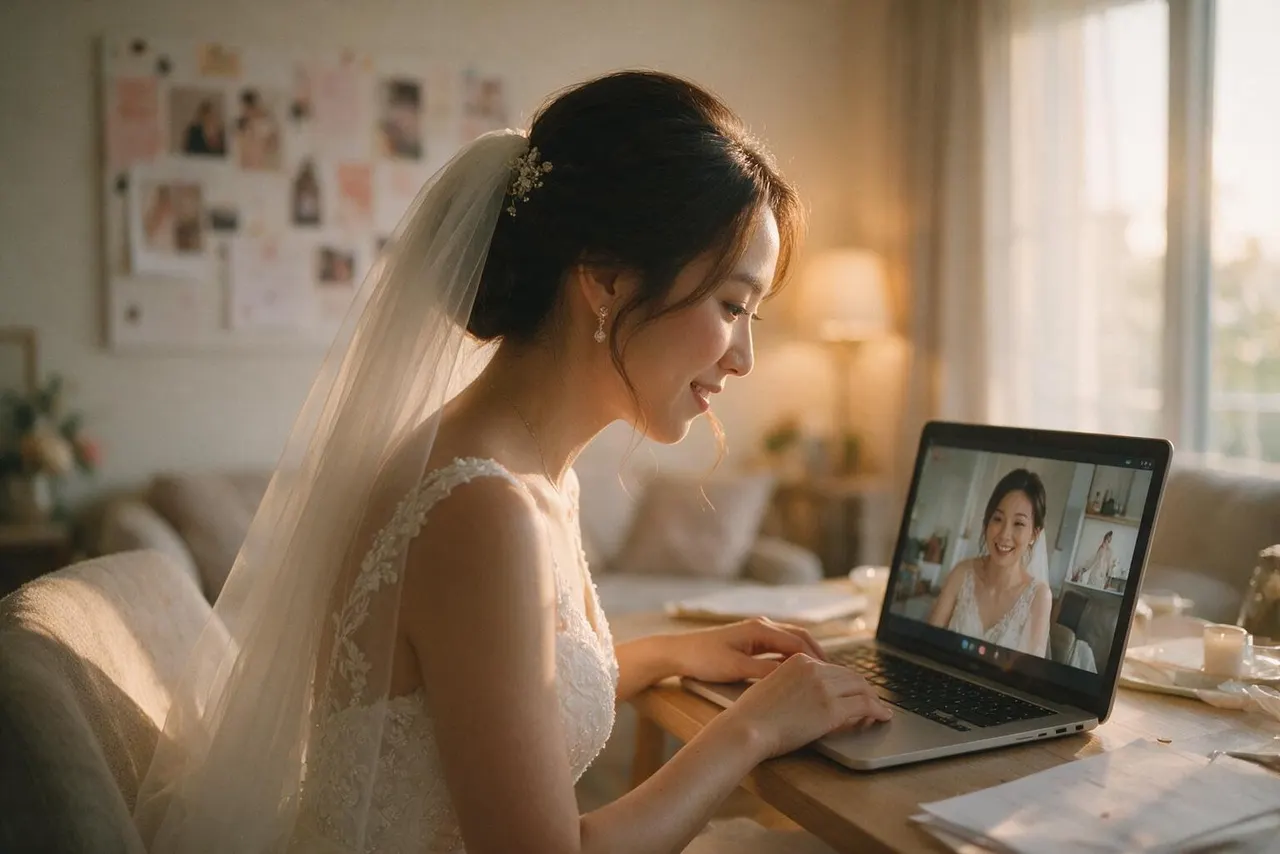
A livestream is one way to include family who cannot be there in person, letting them watch the ceremony as it happens rather than only seeing photos or a video afterward, which some families find matters a great deal.
How a livestream is set up alongside photography coverage
A livestream is generally arranged as an addition to your existing photography or videography coverage, using a separate camera or device positioned so it does not interfere with the main coverage. This means your photographer or videographer can continue focusing on capturing the ceremony properly while the livestream runs in the background.
Discuss this with your photographer or videographer well in advance, since they will need to plan where the streaming setup is positioned, how it connects to the internet, and who is responsible for starting and stopping the stream at the right moments during the ceremony.
Confirm too whether the venue allows this kind of setup, since some locations may have their own requirements around additional equipment being used during a ceremony.
What to test beforehand so the stream runs smoothly
Before the day, test the internet connection at your ceremony venue if possible, since not every location has strong or reliable wifi or mobile data, and a livestream depends entirely on a stable connection. If the venue's connectivity is uncertain, ask about alternatives, such as using a mobile hotspot as a backup option.
It is also worth doing a short test run of the stream itself, checking that remote guests can access the link, that audio comes through clearly, and that the camera position captures the ceremony properly. Sorting these details out beforehand means fewer surprises once the ceremony begins on the day.
Combining a livestream with a recorded highlight afterward
A livestream and a recorded highlight afterward serve slightly different purposes. The livestream lets remote family experience the ceremony as it happens, while a separate recorded highlight film gives everyone, including those who watched live, a polished version they can watch again later.
Some couples arrange for the livestream itself to be recorded, then edited afterward into a shorter highlight, while others treat the two as separate pieces entirely, with a dedicated videographer producing the highlight independently of the livestream feed. Discuss which approach you prefer with your videographer before the day arrives.
What to tell your remote guests before the stream begins
Send remote guests the stream link and a brief note on timing well before the ceremony, including what time the stream will start and roughly how long the ceremony itself is expected to run. Since ceremonies are often brief, remote guests should know to be ready at the link a little early rather than risk missing the actual moment they are waiting for.
If there is any chance of a delay on the day, having a way to notify remote guests quickly, such as a group chat, can help manage expectations without anyone needing to guess what is happening.
Keeping the livestream simple if resources are limited
A livestream does not need to be elaborate to be worthwhile. A single, well-positioned camera with stable audio and a reliable connection is often enough to let remote family follow the ceremony clearly, without needing multiple camera angles or a more involved production.
If your venue's connectivity is uncertain or your budget for this addition is limited, focus on getting the basics right, a stable connection, clear sound, and a sensible camera position, rather than adding features that increase the chance of something going wrong on the day itself.
It is also worth agreeing in advance who is responsible for troubleshooting on the day if something does not work as expected, whether that is your photographer, videographer, or a family member managing the stream on a phone. Having one clear point of contact avoids confusion if a technical issue comes up during the ceremony itself.
If you are planning to include a livestream alongside your photography or videography coverage, get in touch and we can talk through how it would fit around the rest of your ROM day coverage.