
In short
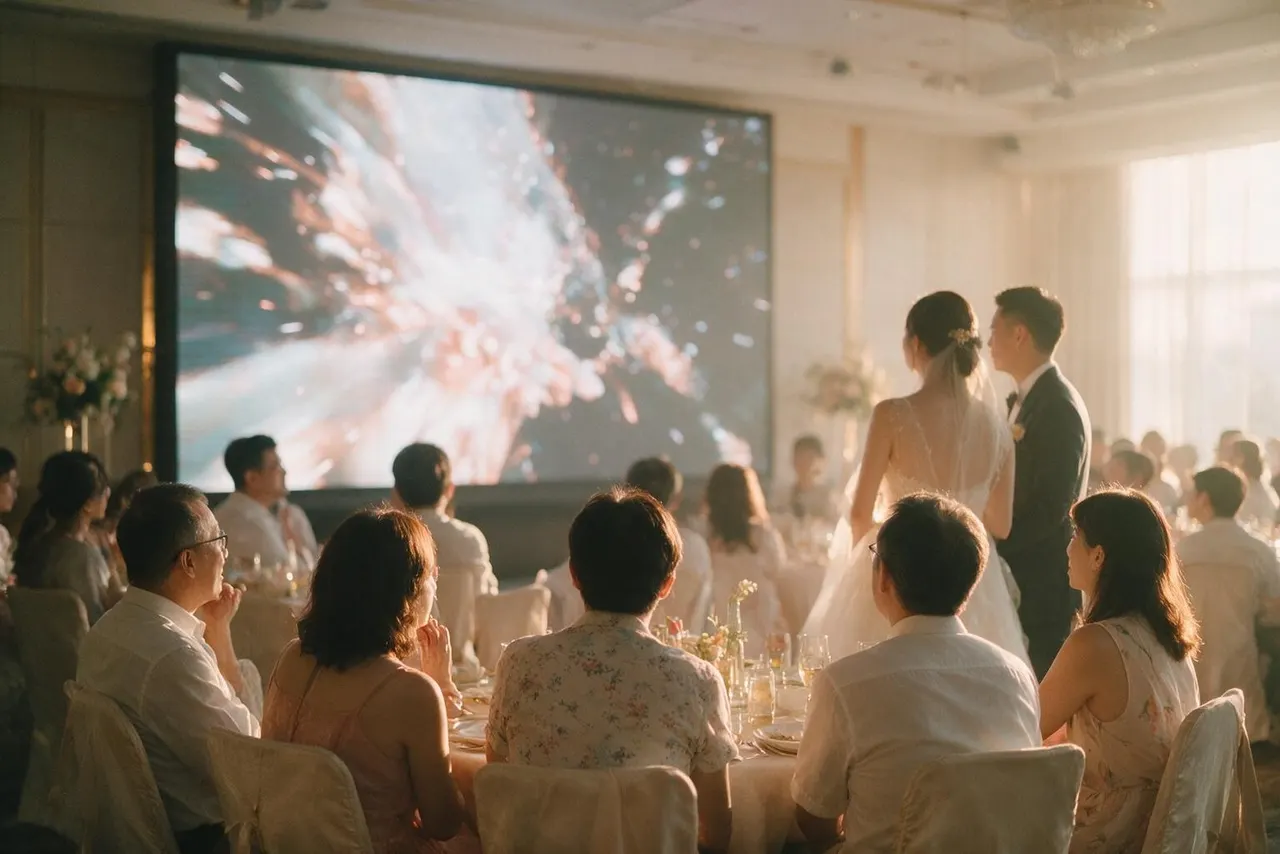
A same day edit screening typically needs a screen or projector, a sound system connected to the room's audio, and a way to play the finished file from a laptop or similar device. Some of this may already be at the venue, and some may need to be brought by your videography team, so confirming this in advance with both sides avoids gaps on the day.
- A screening setup generally needs a screen or projector, audio connected to the room, and playback equipment.
- Some venues already have suitable screens and sound systems, others do not.
- Confirm exactly what the crew brings versus what the venue provides before the day.
- Compatibility between the crew's equipment and the venue's existing systems is worth checking ahead of time.
- A site visit is a practical opportunity to walk through screening logistics in person.
What the crew typically brings versus what the venue provides
A videography crew handling a same day edit generally brings their own playback device, such as a laptop, along with any cables or adapters needed to connect to the venue's existing audio-visual setup. What they do not always bring is the screen or projector itself, since many venues that regularly host banquets already have this built into the room.
Because this split varies from venue to venue, and even from room to room within the same hotel or restaurant, it is worth clarifying directly with both your videographer and your venue coordinator rather than assuming either side has it covered. A gap between the two, discovered only on the day, is avoidable with an earlier conversation.
Projector, screen and audio considerations
Beyond the screen itself, audio is a significant part of a successful screening, since a same day edit reel usually includes music and sometimes captured sound from the day, such as vows or speeches. This needs to run through the venue's existing sound system rather than a small laptop speaker, which is rarely loud enough for a full banquet room.
Connecting a laptop to a venue's audio system is not always as simple as a single cable, particularly in larger function rooms with a dedicated audio-visual setup managed separately from the room itself. Confirming the connection type and any adapters needed ahead of time saves troubleshooting under time pressure on the day.
Confirming equipment compatibility with your venue
Different venues use different audio-visual systems, and not every connection type is universal, so it is worth asking your venue directly what equipment is built in and what format it expects, whether that is a standard cable connection or a more specific in-house system. Passing this information to your videographer ahead of time lets them prepare the right adapters or alternative equipment.
Where a venue's system is unusual or unfamiliar to your crew, a short test run before the event, even informally, can catch compatibility issues while there is still time to solve them.
What to check during your venue site visit
A site visit is a practical opportunity to walk through exactly how a screening would work in the room you have booked, rather than relying on a description over email or phone. Ask to see where the screen or projector is located, how the room's sound system connects to outside devices, and whether any technical staff will be present on the day to help.
Bringing your videographer along to a site visit, or at least sharing photos and details afterwards, helps them plan their equipment list around what the venue can genuinely offer, rather than guessing. It is also a good moment to check where guests will be seated relative to the screen, so sightlines are considered before the day itself.
Backup plans if equipment does not cooperate
Even with careful planning, technical issues can still arise on the day, whether that is a compatibility problem discovered too late or a piece of equipment behaving unexpectedly. Having a simple backup plan, such as a spare cable or an alternative playback device, reduces the disruption if something does not work as expected.
Discussing this possibility with your videographer in advance, rather than hoping it will not happen, means there is already a plan in place if a quick fix is needed during the banquet. Some crews also carry a backup copy of the finished file on a separate device, which can save time if the original playback source runs into trouble.
Bringing it together with your banquet programme
Once the equipment side is settled, the screening still needs a clear slot in your banquet programme, coordinated with your emcee so it does not clash with speeches, toasts or other planned segments. This is worth confirming alongside the technical details rather than as a separate conversation.
Sharing a written rundown with both your videographer and your venue coordinator, rather than relying on verbal updates closer to the day, keeps everyone aligned on when the screening happens. For more on how the film itself is typically put together within the day's tight timeline, see our guide on same day edit wedding films.
Screening equipment is a practical detail worth confirming well ahead of your wedding day, ideally during a venue site visit. Get in touch to talk through what your venue would need for a same day edit screening.